
File Operations
Linux File Operations Part 3: God Mode Engaged
Listen up, kid. You think you know how to move a file? You think mv and cp are the peak of human achievement? Sit down. fr. You are barely scratching the surface of what the Linux kernel can do with bytes on a disk. No cap. Today, we are going deep into the sauce. We are talking about the stuff that separates the script kiddies from the absolute units of the terminal. fr.
If you haven't mastered the basics, go back to lesson one. If you are still confused about what a directory is, just close the terminal and go play some Minecraft. fr. But if you are ready to actually control your machine like a beast, then keep reading. No cap.
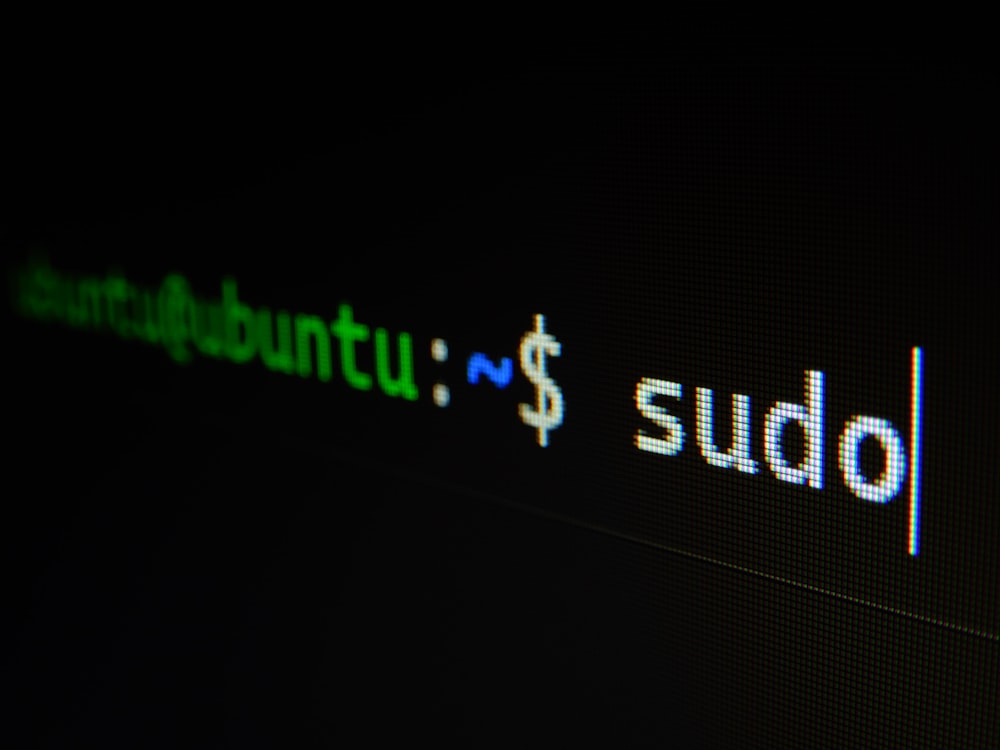
1. Redirection: Bending the Streams
You know and . Cool. You can put some text in a file. Big deal. fr. But do you understand the Standard Streams? Sit down and learn, kid. Every process has three streams: 0 (stdin), 1 (stdout), and 2 (stderr). fr. No cap.
When you run a command and it fails, it usually spits an error to stderr. If you try to redirect that with , it doesn't work. Why? Because is a shortcut for 1. It only touches stdout. fr. To catch the salt, you need 2. For example: ls non_existent_file 2 salt.txt. fr. No cap.
But what if you want it all? What if you want to bury every single word that command says into the void? & /dev/null. fr. That /dev/null is the black hole of Linux. Anything you send there disappears forever. No cap. It is the perfect place for those annoying "Permission denied" errors that clutter up your find results. fr. Sit down and respect the...
Want to read the full lesson?
Sign in or create an account to unlock this content and start learning.
Sign in to read